Here are some tools which I publish as free open source projects or which I have worked on in the past.
Unity Command Line Launcher
- Use the
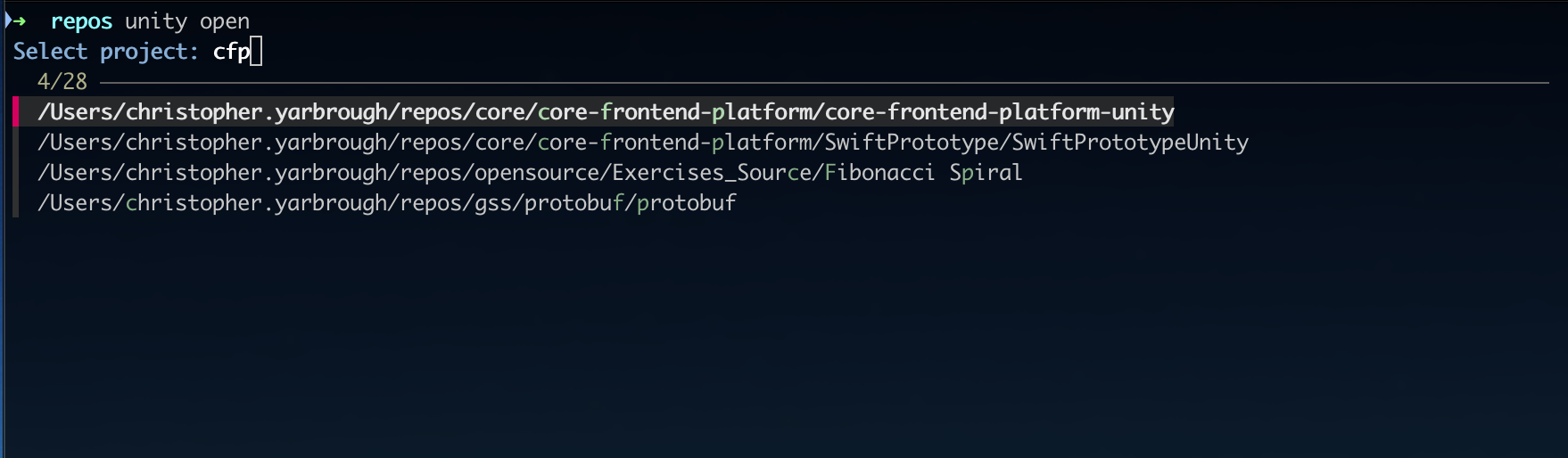
opencommand to get a selection prompt of recent or favorite projects - Advanced search like “CFP” to find “Core Frontend Platform” supported
- Search for projects to open by passing a directory or file path
- Install all editors needed by projects on disk
- Uninstall all unused editors
- Various other commands that build on or improve Unity Hub’s CLI

Spline Tool
- More lightweight than other commercial or builtin solutions
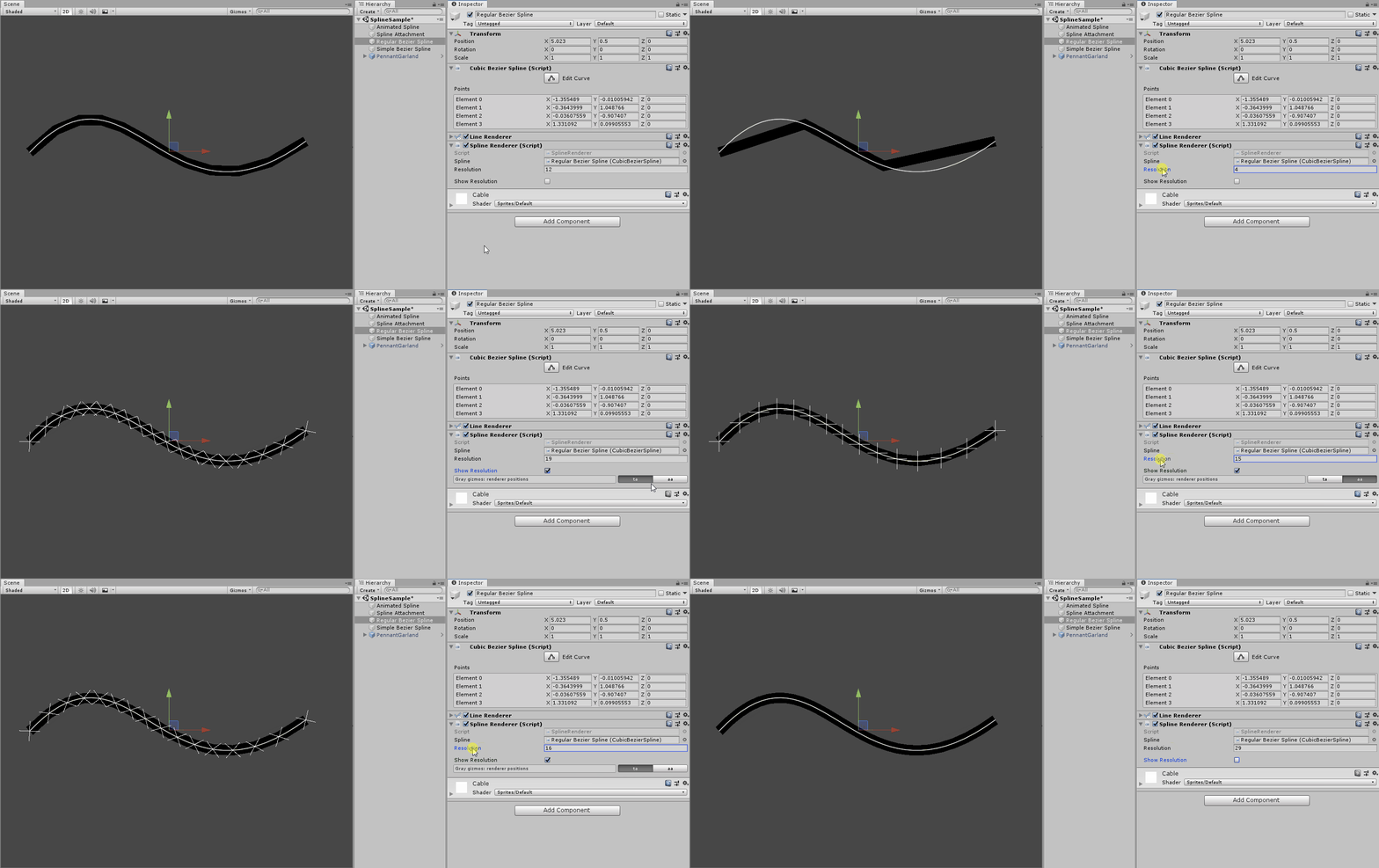
- Gizmo support for large splines and large scenes (culling)
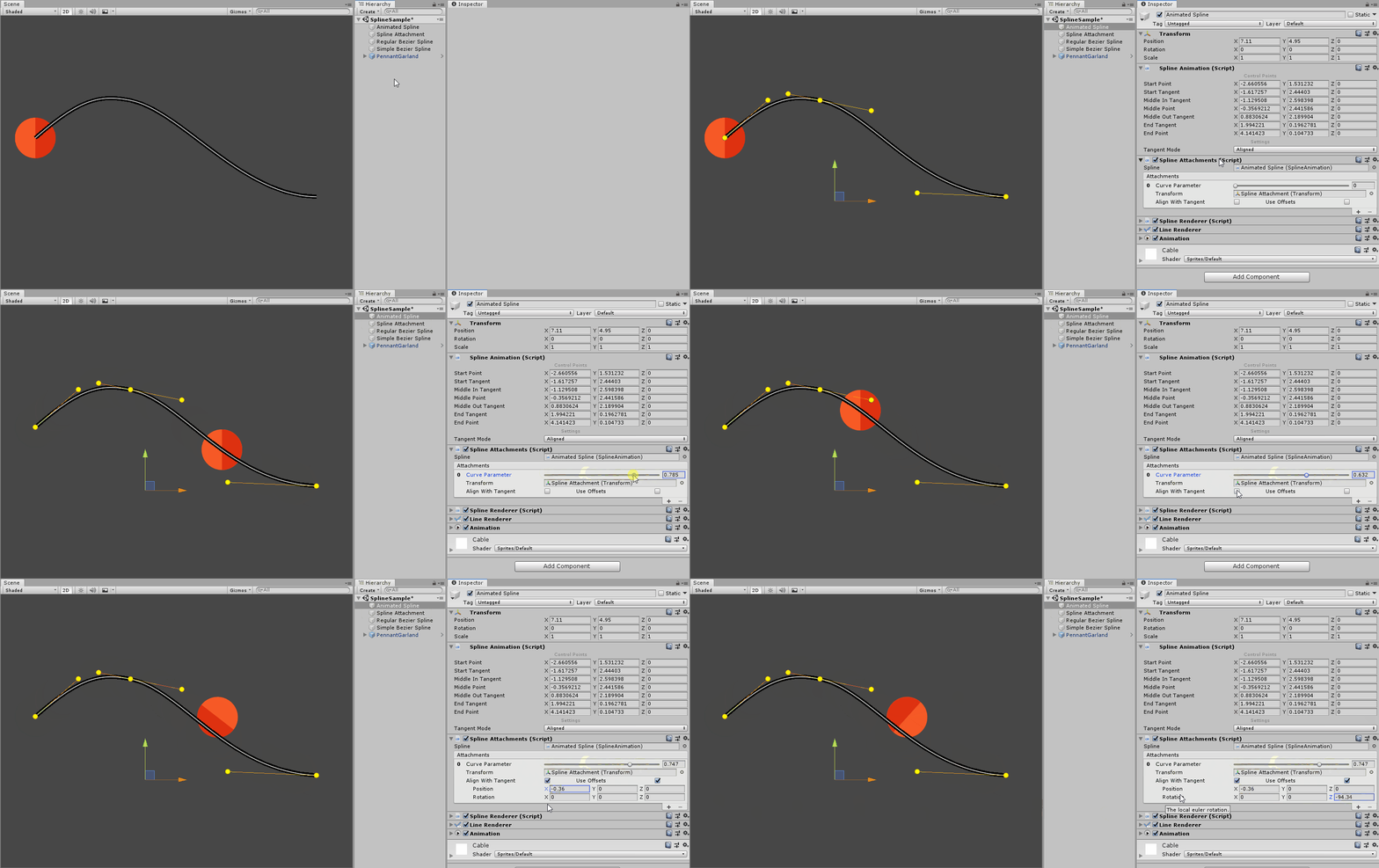
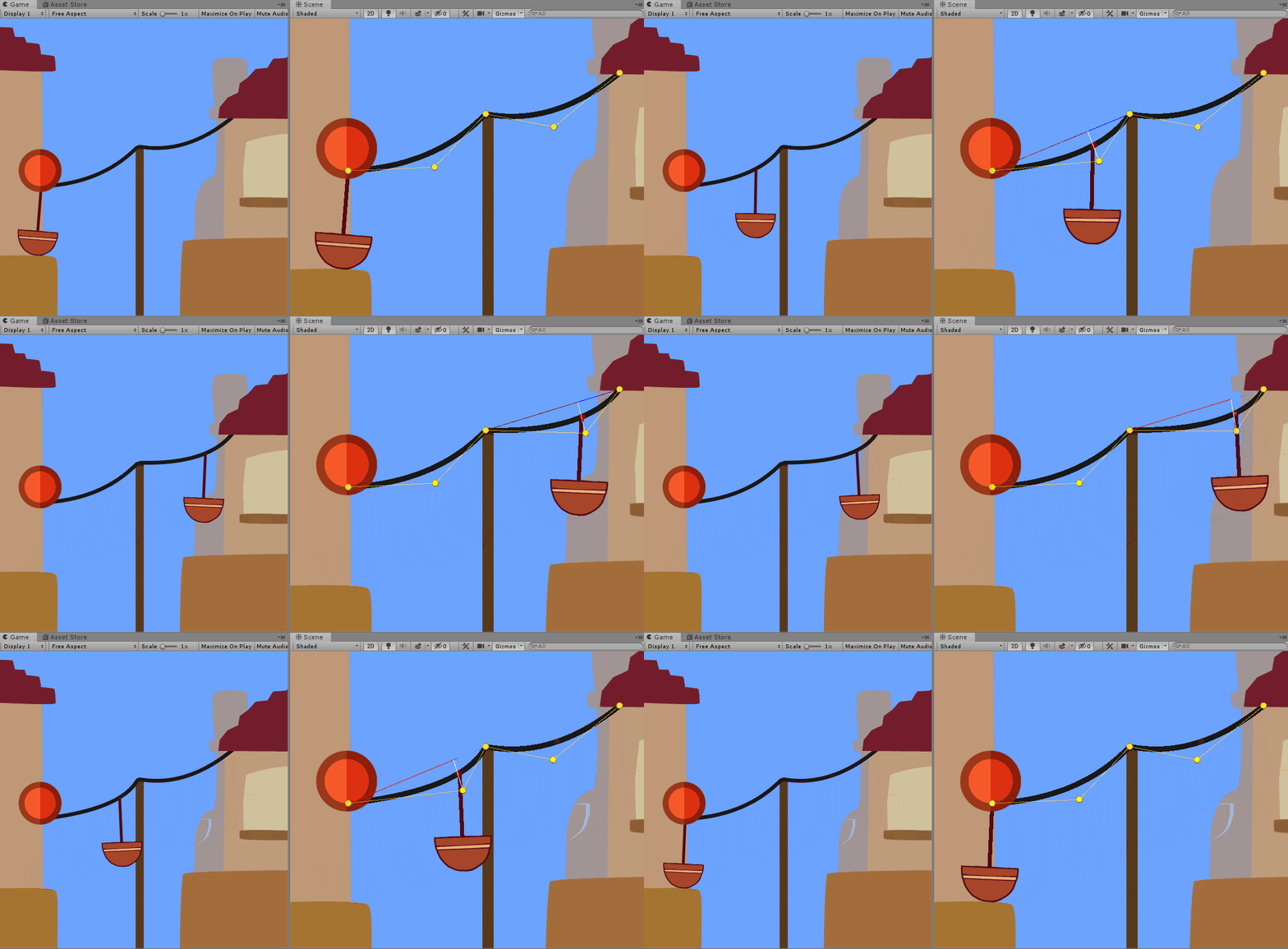
- Spline attachments and handles can be animated at runtime
Layer and Sorting Order
- Displays Renderer sorting order and layer as layer stack like in Photoshop
- Objects can be dragged to change sorting order and layer
- Context click to send to another layer
- Makes most sense in 2D but also supports 3D renderers for special effects

Mesh Debugging – UV Window
- Select a mesh from the Project, a prefab, GameObject and it also searches children for meshes
- Displays the UV data in a view that supports pan and zoom
- Multiple meshes can be displayed at the same time (texture atlas)
- View options allow configuration of colors, transparency, displayed channels and texture map


2D Stamp
- Places prefabs like decal stamps with a single click
- Can cycles through a list of input prefabs
- Randomizes vertical vs horizontal, size and color
- Randomizes size and color
- Can assign a material
Level Streaming
- When saving a scene at edit-time, the geometry bounds are calculated and automatically saved to a ScriptableObject asset that is persisted into the runtime build
- The bounds are visualized via Gizmos
- Bounds are updated before the build in order to avoid stale data caused by merge conflicts outside of Unity via gizmos

